
Table of Contents
An AIO Login system gives an organization a central way to manage access, authentication, user sessions, and sign-in security across one platform or a connected set of applications. It is often used by administrators, teams, members, customers, or internal staff who need a reliable sign-in experience without managing separate credentials for every service. When configured properly, AIO Login can improve security, reduce support requests, and make account access more consistent.
TLDR: AIO Login centralizes user access and usually supports features such as password login, multi-factor authentication, role-based permissions, session controls, and account recovery. Setup generally involves creating an admin account, configuring authentication rules, connecting user directories or applications, and testing sign-in flows before launch. Most issues can be resolved by checking credentials, browser settings, MFA delivery, redirect rules, account status, and server configuration. A careful rollout helps prevent login failures and improves both security and usability.
What Is AIO Login?
AIO Login typically refers to an all-in-one login environment that combines user authentication, access control, account management, and security settings into a single login workflow. Instead of relying on several disconnected login systems, an organization can use one central sign-in process for users, administrators, and integrated services.
The purpose of AIO Login is not only to let users enter a username and password. It also helps control who can access what, how identities are verified, how long sessions remain active, and what happens when suspicious activity is detected. In many environments, it may also support single sign-on, password recovery, user roles, audit logs, and multi-factor authentication.
Why AIO Login Matters
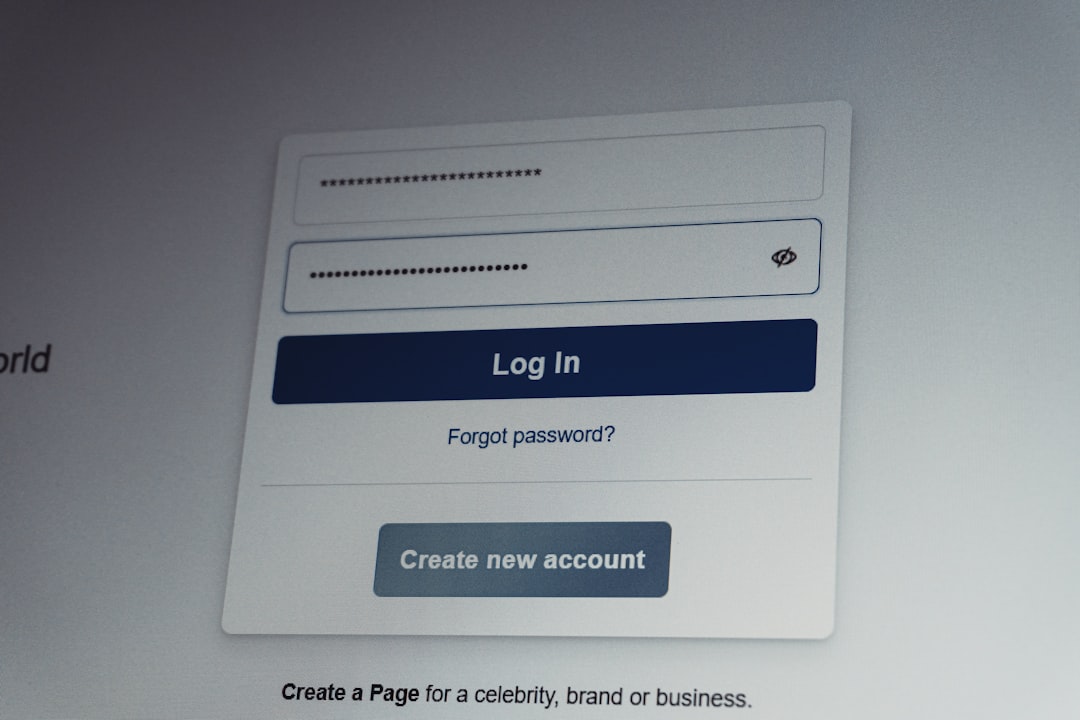
A strong login system is one of the most important parts of a digital platform. If login access is confusing, unreliable, or insecure, users may experience frustration and administrators may face unnecessary support tickets. AIO Login helps reduce these risks by creating a structured and predictable access process.
For businesses, schools, agencies, and membership platforms, centralized login management can also improve compliance and oversight. Administrators can review login attempts, deactivate unused accounts, apply password policies, and require additional verification for sensitive roles. This makes the platform easier to manage and harder to compromise.
Initial Setup Requirements
Before an AIO Login system is activated, administrators should prepare the basic requirements. A smooth setup depends on having the right account information, access permissions, and security preferences available from the beginning.
- Administrator account: A primary admin account is needed to configure login rules, manage users, and adjust security settings.
- User list or directory: The system may require imported users, manual account creation, or connection to an existing user directory.
- Authentication method: The organization should decide whether users will sign in with email, username, phone number, single sign-on, or another method.
- Password policy: Rules should define minimum password length, complexity, expiration, and reuse limitations.
- Recovery options: Account recovery should be available through verified email, mobile codes, security questions, or admin reset.
- Security preferences: Multi-factor authentication, login attempt limits, trusted devices, and session timeout rules should be planned in advance.
Step-by-Step AIO Login Setup
The exact setup process may differ depending on the platform, but most AIO Login systems follow a similar configuration path. Administrators should complete the setup in a test environment whenever possible before releasing it to all users.
- Create or verify the admin profile. The main administrator should confirm that the account email, recovery method, and permissions are correct. This account should be protected with a strong password and multi-factor authentication.
- Configure the login URL or access point. Users need a clear and stable login page. The login page should use HTTPS and should be easy to locate from the main website, app, or portal.
- Set authentication rules. The administrator can define whether users sign in with email addresses, usernames, employee IDs, or external identity providers.
- Enable multi-factor authentication. For stronger protection, MFA can require a second step such as a mobile code, authenticator app, email code, biometric approval, or hardware key.
- Assign user roles. Roles help determine what each user can view, edit, download, approve, or manage after login.
- Customize session settings. Session duration, idle timeout, remember device options, and automatic logout rules should match the organization’s security needs.
- Test account recovery. Password reset links, verification codes, and admin reset options should be tested before users rely on them.
- Review audit logging. Login attempts, failed authentication, password changes, and role updates should be recorded for security review.
- Launch gradually. A phased rollout with a small user group can reveal issues before the system becomes widely available.
Core Features of AIO Login
A well-designed AIO Login system includes several practical features that support both convenience and protection. These features help administrators manage access while allowing users to sign in with minimal friction.
1. Centralized User Authentication
Centralized authentication allows users to access connected services through one primary login process. This reduces password fatigue and makes user management easier for administrators. If a user leaves an organization or changes roles, access can be updated from one place.
2. Multi-Factor Authentication
Multi-factor authentication adds another verification step beyond a password. This is especially useful for administrator accounts, financial systems, personal data, and any environment where unauthorized access could cause serious harm. MFA helps limit the impact of stolen or weak passwords.
3. Role-Based Access Control
Role-based access control assigns permissions based on responsibilities. For example, a general user may only view personal information, while a manager may approve requests, and an administrator may manage all accounts. This approach follows the principle of least privilege, where each user receives only the access needed.
4. Single Sign-On Support
Some AIO Login systems support single sign-on, allowing users to access multiple tools after one successful authentication. This improves convenience and may reduce repeated login prompts. It also allows administrators to enforce consistent password and security policies across multiple services.
5. Session and Device Management
Session controls determine how long users stay signed in and when they must verify again. Device management may allow trusted devices, block unknown devices, or show active sessions. These controls are useful when accounts are accessed from shared computers or remote locations.
6. Account Recovery and Self-Service
Users often forget passwords or lose access to verification methods. AIO Login usually provides recovery tools such as reset links, backup codes, or verified contact methods. Self-service recovery can reduce administrator workload while still maintaining security.
7. Audit Logs and Security Alerts
Audit logs record login activity, failed attempts, password changes, and permission updates. Security alerts can notify administrators about unusual behavior, repeated failures, unknown device access, or suspicious geographic activity. These records are useful for troubleshooting and compliance reviews.
Best Practices for Secure Use
After setup, administrators should maintain the AIO Login system with regular checks and updates. Security is not a one-time task; it requires ongoing attention.
- Require MFA for privileged users. Administrator and manager accounts should have stronger verification requirements.
- Use strong password rules. Passwords should be long, unique, and resistant to guessing.
- Review inactive accounts. Old or unused accounts should be disabled or removed.
- Monitor failed login attempts. Repeated failures may indicate user confusion, password attacks, or automated activity.
- Keep recovery methods current. Users should maintain valid email addresses, phone numbers, or backup methods.
- Document login procedures. Clear instructions help users understand where to sign in, how to reset passwords, and how to report problems.
Common AIO Login Problems and Troubleshooting
Even a well-configured login system may experience occasional problems. Most issues can be identified by checking account status, browser behavior, authentication settings, and network conditions.
Invalid Username or Password
If a user receives an invalid credential message, the account details should be checked carefully. Common causes include typing errors, outdated saved passwords, changed usernames, or email aliases that are not recognized by the system. Password reset should be used if the correct password is uncertain.
MFA Code Not Received
When a verification code does not arrive, the user’s contact method should be verified. Email codes may be delayed or filtered into spam folders. SMS codes may fail because of poor signal, blocked numbers, or outdated phone records. If an authenticator app is used, the device time should be synchronized.
Account Locked After Failed Attempts
Many systems lock accounts after repeated failed sign-in attempts. This protects against brute-force attacks but may affect legitimate users. An administrator can review the lockout reason, confirm the user identity, and unlock the account if appropriate.
Login Page Not Loading
A login page may fail to load because of browser cache, expired certificates, DNS problems, server downtime, or firewall restrictions. The user can try another browser or network, while administrators should confirm that the login service, domain, and SSL certificate are functioning correctly.
Redirect Loop After Sign-In
A redirect loop may occur when session cookies are blocked, the login callback URL is misconfigured, or an integrated application does not recognize the authentication response. Clearing cookies, enabling browser storage, and checking redirect settings often resolves this issue.
Access Denied After Successful Login
If authentication succeeds but access is denied, the problem is usually related to permissions. The user may have the wrong role, an expired membership, a disabled profile, or missing access to a specific application. Administrators should review role assignments and access rules.

Maintenance and Long-Term Management
An AIO Login system should be reviewed regularly to ensure that it remains secure and user-friendly. Administrators should schedule periodic audits of user roles, recovery methods, security logs, and authentication policies. Updates should be tested before deployment, especially when they affect login flows or identity integrations.
User feedback is also valuable. If many users report confusion about passwords, MFA, or account recovery, the process may need clearer instructions or a better interface. A successful login system balances strong security with simple usability.
FAQ
-
What does AIO Login mean?
AIO Login generally means an all-in-one login system that manages authentication, user access, security settings, and account recovery from one central platform.
-
Is AIO Login secure?
It can be secure when configured with strong passwords, multi-factor authentication, session controls, audit logs, and regular account reviews.
-
Why is a user unable to log in?
Common reasons include incorrect credentials, a locked account, expired password, missing MFA code, browser cookie issues, or disabled user permissions.
-
Should MFA be required for every user?
MFA is strongly recommended for administrators and users with access to sensitive information. Some organizations may choose to enable it for all users.
-
How can redirect loops be fixed?
Redirect loops are often fixed by clearing cookies, enabling browser storage, correcting callback URLs, and verifying integration settings.
-
How often should AIO Login settings be reviewed?
Administrators should review settings regularly, especially after staff changes, platform updates, security incidents, or changes to connected applications.