
Table of Contents
Email has become a digital filing cabinet for contracts, travel plans, financial statements, and personal conversations. So when Gmail messages are permanently deleted, many users immediately look for recovery software such as Disk Drill to bring them back. The critical question is whether a data recovery tool designed for hard drives can actually retrieve emails stored in Google’s cloud-based system.
TL;DR: Disk Drill cannot directly recover permanently deleted Gmail emails from Google’s servers because Gmail data is stored in the cloud, not on a local hard drive. However, Disk Drill may help recover locally downloaded email files or backups stored on a computer. The best recovery options for deleted Gmail messages usually involve Google’s built-in recovery tools, backups, or email clients. Understanding where your data was stored is key to knowing what recovery method will work.
Understanding How Gmail Stores Emails
To determine whether Disk Drill can recover permanently deleted Gmail emails, it’s essential to understand where Gmail data actually lives. Gmail is a cloud-based email service. Messages are primarily stored on Google’s servers in distributed data centers, not on a user’s local machine.

When a user deletes an email in Gmail, the process usually works like this:
- The email is moved to the Trash folder.
- It remains there for 30 days.
- After 30 days, the message is automatically and permanently deleted.
- If manually deleted from Trash, removal can be immediate and irreversible.
Once permanently deleted from Google’s servers, the email is generally not accessible through standard user tools. Since Disk Drill is a data recovery tool for local storage devices, this distinction becomes important.
What Is Disk Drill Designed to Do?
Disk Drill is professional data recovery software built to retrieve lost files from:
- Internal hard drives (HDD and SSD)
- External drives
- USB flash drives
- SD cards
- Formatted or corrupted partitions
Its functionality relies on scanning physical storage sectors to locate recoverable data fragments that haven’t yet been overwritten.
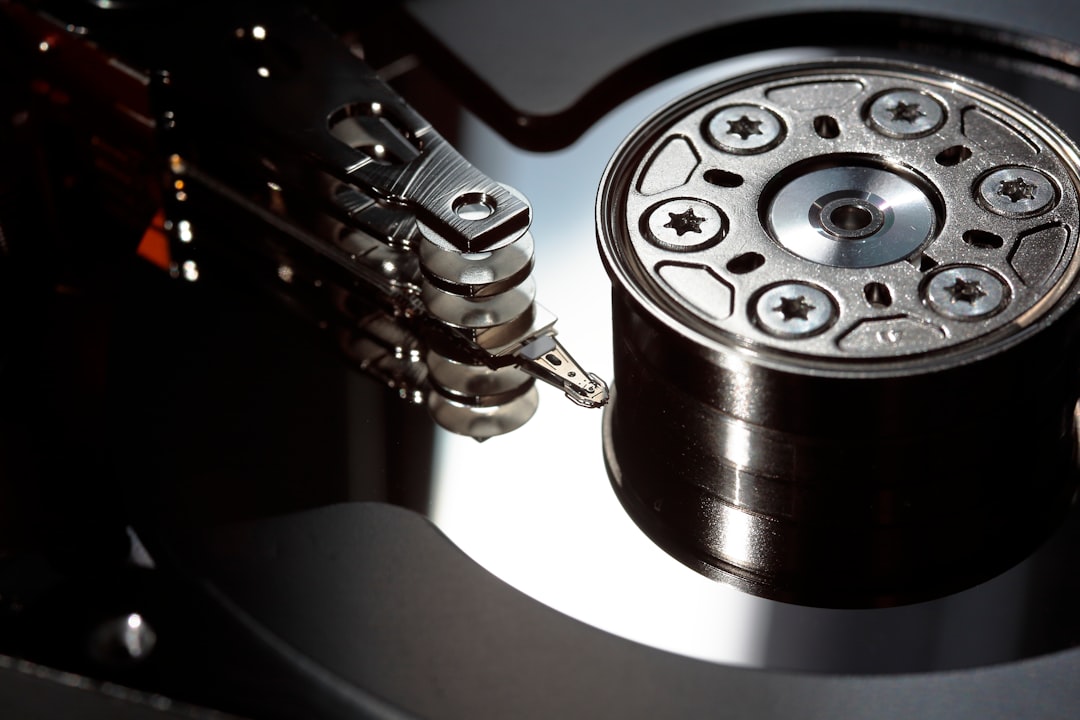
Because Disk Drill works at the storage-device level, it can:
- Recover deleted files emptied from a computer’s Recycle Bin
- Restore formatted drive contents
- Retrieve lost documents, photos, videos, and archives
However, it cannot directly access Google’s servers. That means it cannot scan Gmail’s cloud infrastructure for deleted emails.
When Can Disk Drill Help with Gmail Email Recovery?
Although Disk Drill cannot recover emails directly from Gmail’s servers, there are specific situations in which it may still help.
1. Emails Downloaded via an Email Client
If Gmail was accessed through a desktop email client such as:
- Microsoft Outlook
- Apple Mail
- Mozilla Thunderbird
then copies of emails may have been stored locally in files such as:
- PST or OST (Outlook)
- MBOX (Thunderbird)
- EMLX (Apple Mail)
If these files were deleted from a computer, Disk Drill may be able to scan the drive and recover them—provided the data has not been overwritten.
2. Gmail Backups Saved Locally
Some users export Gmail data through Google Takeout, which generates downloadable archive files (usually MBOX format). If those backup archives were saved to a computer and later deleted, Disk Drill could potentially recover the archive file.
3. Cached or Temporary Email Attachments
If attachments were opened or temporarily stored on a device, the files might remain recoverable through disk scanning. However, this only applies to attachments saved locally—not to the email message itself on Google’s servers.
When Disk Drill Cannot Help
Disk Drill will not be effective in the following scenarios:
- Emails permanently deleted from Gmail Trash after 30 days.
- Emails deleted only in the Gmail web interface with no local download copy.
- Messages removed from Google’s servers with no backup or local synchronization.

In these cases, the data never existed (or no longer exists) on a recoverable storage sector that Disk Drill can scan.
Better Options for Recovering Deleted Gmail Emails
Instead of relying on disk recovery software, users should explore Gmail-native recovery methods first.
1. Check Trash and Spam
Emails remain in Trash for 30 days unless manually removed.
2. Gmail Message Recovery Tool
Google provides a Message Recovery Tool intended for users who lost emails due to hacking or system issues. This tool can sometimes restore messages shortly after deletion.
3. Google Workspace Admin Recovery
For business or education accounts, administrators can restore deleted emails for up to 25 days after permanent deletion from Trash.
4. Google Vault (Business Plans)
Organizations using Google Vault may retain archived emails even after user deletion, depending on retention policies.
Comparison of Gmail Email Recovery Options
| Method | Works for Cloud Emails? | Time Limit | Best For |
|---|---|---|---|
| Gmail Trash | Yes | 30 days | Recently deleted emails |
| Google Message Recovery Tool | Yes | Short window | Hacked or compromised accounts |
| Google Workspace Admin Restore | Yes | About 25 days | Business accounts |
| Google Vault | Yes | Policy-based | Enterprise retention |
| Disk Drill | No (cloud) | Until overwritten | Locally stored email files |
Why Cloud Storage Changes the Recovery Game
Traditional data recovery tools were developed in an era when information lived on physical hard drives. With cloud computing, data management works differently:
- Users do not control server-level storage.
- Deleted items may be erased from distributed systems rapidly.
- Overwriting and redundancy policies are managed by the provider.
When Gmail deletes an email permanently, it is removed from Google’s managed infrastructure—not merely flagged as hidden on a hard drive you control. This architectural shift limits what local recovery software can accomplish.
Improving Your Chances of Email Recovery
Rather than relying on hopes of post-deletion recovery, preventative measures offer much stronger protection:
- Enable email client synchronization with local storage.
- Perform regular Google Takeout exports.
- Use automated backup software that archives mailbox data.
- For businesses, implement Google Vault retention policies.
By maintaining independent backups, users create recoverable storage targets that tools like Disk Drill can scan if necessary.
Final Verdict
Disk Drill cannot recover permanently deleted Gmail emails directly from Google’s servers. Once Gmail permanently erases an email from the cloud, it is generally unrecoverable through third-party disk scanning software.
However, Disk Drill may successfully restore:
- Locally downloaded mailbox archives
- Email client database files
- Saved attachments
- Google Takeout backup archives
The determining factor is simple: If the data existed on your physical storage device, Disk Drill may help. If it existed only in the cloud, it likely cannot.
FAQ
Can Disk Drill access Gmail servers directly?
No. Disk Drill can only scan storage devices connected to your computer. It cannot access or scan Google’s cloud servers.
Can Disk Drill recover Gmail emails deleted more than 30 days ago?
Only if the emails were previously downloaded and stored locally on your device. If they were deleted solely from Gmail’s servers, recovery is unlikely.
What should someone do immediately after deleting important Gmail emails?
Check the Trash folder first. If permanently deleted, use Google’s Message Recovery Tool as soon as possible. Avoid delay, as recovery windows may be limited.
Can deleted Gmail attachments be recovered?
If attachments were saved to your computer and then deleted, Disk Drill may recover those files—provided they have not been overwritten.
Is recovering cloud-based email generally harder than local files?
Yes. Cloud providers manage their own storage infrastructure, and users do not have low-level access to perform traditional recovery scans.
How can users prevent permanent Gmail data loss?
Regular backups using Google Takeout, synchronized email clients, and business retention policies are the most reliable safeguards.
In summary, while Disk Drill is a powerful tool for local file recovery, recovering permanently deleted Gmail emails depends entirely on whether those emails existed outside Google’s cloud environment. For cloud-only deletions, Google’s native recovery options are the only viable path.