
Table of Contents
So you found a Vivecraft server and thought, “Cool, I have Minecraft. I can join.” Then someone asked, “Are you using Vivecraft?” And now you’re confused. Don’t worry. You’re not alone. VR players often wonder if they really need Vivecraft to join Vivecraft servers. Let’s break it down in a fun and simple way.
TLDR: In most cases, yes, you need Vivecraft to properly join and enjoy Vivecraft servers in VR. Some servers allow non-VR players, but you will not get the full VR experience without it. Vivecraft is what makes VR movement and tracking work inside Minecraft. If you want true motion controls and full immersion, Vivecraft is the way to go.
First, What Is Vivecraft?
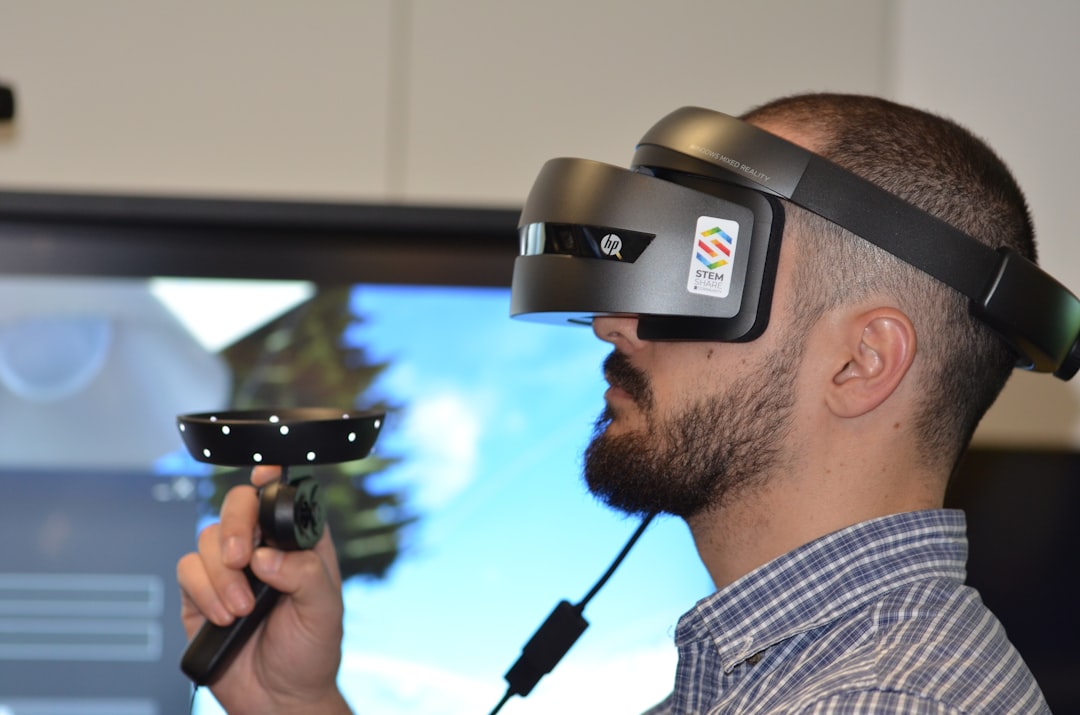
Vivecraft is a mod for Minecraft Java Edition. It lets you play Minecraft in virtual reality. That means:
- You move your arms to swing tools.
- You look around naturally with your headset.
- You physically aim your bow.
- You duck in real life to dodge skeleton arrows.
Without Vivecraft, Minecraft is just a regular PC game. Even if you wear a headset, you won’t get true motion controls.
What Is a Vivecraft Server?
A Vivecraft server is usually a Minecraft Java server that either:
- Supports Vivecraft players
- Is built specifically for VR gameplay
- Has plugins that recognize VR movements
Some servers are normal servers that simply allow Vivecraft users. Others are designed almost entirely around VR features.
This is where compatibility questions start to pop up.
Do You Actually Need Vivecraft?
Let’s answer this clearly.
If you want to play in VR with motion controls, yes, you need Vivecraft.
But here’s the twist.
You can sometimes join a Vivecraft-enabled server without using Vivecraft. You would just join like a normal Java player.
However:
- You won’t have motion tracking.
- You won’t see VR arm movements properly.
- You won’t experience full immersion.
It would feel like showing up to a swimming pool without water gear. You’re there. But you’re not really swimming.
Why Vivecraft Is Required for VR Features
Vivecraft does something special. It translates your real-world movements into Minecraft actions.
For example:
- Moving your hand = swinging a sword
- Turning your head = changing camera view
- Leaning forward = peeking over cliffs
Regular Minecraft does not understand VR tracking. The server alone cannot create that experience. The mod does the heavy lifting.
Think of it like this:
The server is the playground. Vivecraft is your VR body.
Without the VR body, you are just standing there with keyboard controls.
Can Non‑Vivecraft Players Join Vivecraft Servers?
Often, yes.
Many Vivecraft servers are just modified Java servers. They allow both VR and non-VR players to join together.
This actually makes things fun.
- VR players swing arms dramatically.
- PC players click calmly with a mouse.
- Everyone builds together.
But here’s the difference.
VR players may have extra capabilities like:
- Room-scale movement
- More physical combat gestures
- More immersive aiming
Some servers even show VR player head and arm tracking in-game. That means other players can see your movements.

Types of Vivecraft Server Setups
Not all Vivecraft servers are the same. Here are the common types:
1. VR-Friendly Vanilla Servers
- Accept Vivecraft users
- Also support normal Java players
- No special VR-only rules
You can join with or without Vivecraft. But VR requires the mod.
2. VR-Enhanced Servers
- Use plugins for VR tracking
- Show arm and head movement
- May tweak gameplay for VR comfort
These are better with Vivecraft installed.
3. VR-Only Experience Servers
- Designed around physical movement
- May require Vivecraft
- Might block non-VR clients
These servers assume everyone is in VR.
Compatibility Chart
| Server Type | Can Join Without Vivecraft? | Can Join With Vivecraft? | Full VR Experience? |
|---|---|---|---|
| Vanilla Java Server | Yes | Yes | Only if Vivecraft installed |
| VR-Friendly Server | Usually Yes | Yes | Yes |
| VR-Enhanced Server | Sometimes | Yes | Yes, with extra features |
| VR-Only Server | Rarely | Yes | Required |
What About Bedrock Edition?
Here’s an important note.
Vivecraft only works with Minecraft Java Edition.
If you play:
- Minecraft Bedrock
- Minecraft on consoles
- Minecraft on mobile
Vivecraft will not work there.
So if a server is running Java with Vivecraft support, you must use Java Edition too.
This is a common mistake for new players.
Is Vivecraft Hard to Install?
Not really. It is simpler than it sounds.
Basic steps include:
- Install Minecraft Java Edition
- Download Vivecraft installer
- Run the installer
- Launch Minecraft with the Vivecraft profile
You also need:
- A VR headset
- SteamVR or compatible runtime
- A decent PC
Once installed, joining servers feels normal. You just choose multiplayer and connect like usual.
Performance Considerations
VR is more demanding than normal Minecraft.
That means:
- Lower frame rate feels worse in VR
- Lag can cause motion sickness
- Heavy modpacks may struggle
If the server has lots of plugins, your PC works harder.
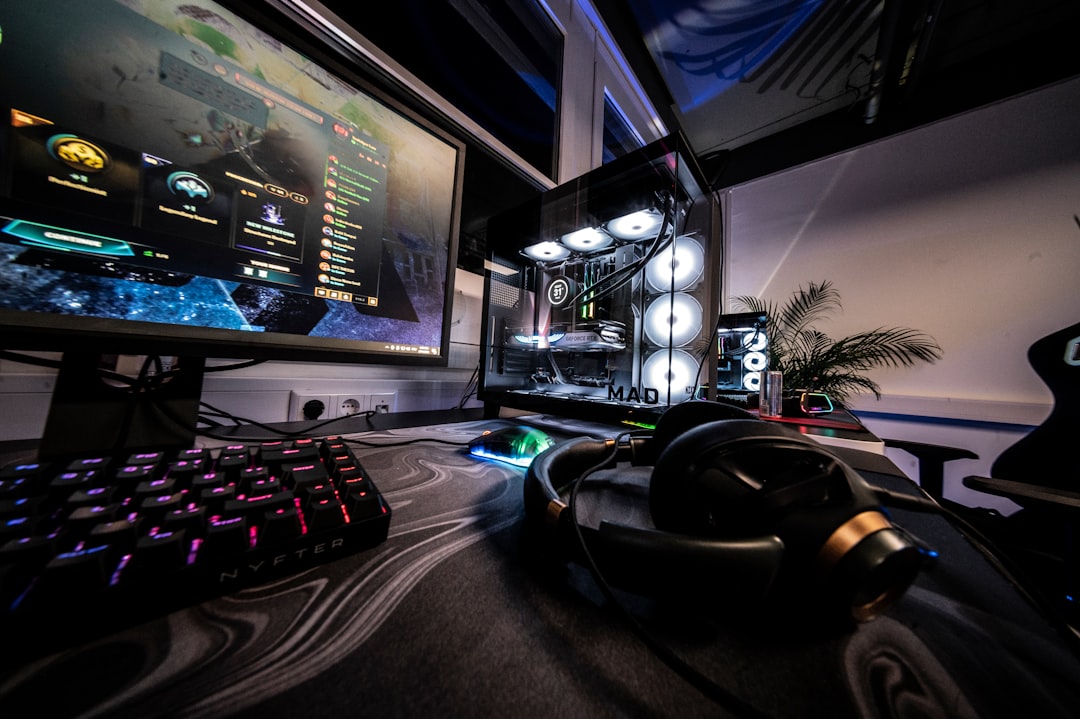
So even if you can technically join without Vivecraft, your system still needs power to handle VR smoothly.
Does Vivecraft Give VR Players an Advantage?
Good question.
Sometimes yes. Sometimes no.
Advantages:
- More natural aiming with bows
- Better sense of depth
- Physical dodging
Disadvantages:
- Harder precise inventory management
- Can be physically tiring
- Requires more attention
Most servers balance this naturally.
At the end of the day, Vivecraft is more about immersion than competition.
Common Problems When Joining
If you cannot join a Vivecraft server, check these:
- Are you using the correct Minecraft version?
- Does the server require specific mods?
- Is your Vivecraft version updated?
- Are you accidentally using Bedrock?
Version mismatch is the most common issue.
Vivecraft must match the server’s Minecraft version.
So… Do You Need Vivecraft?
Here is the simple answer again.
If you want to experience Minecraft in real virtual reality on a Vivecraft server, you need Vivecraft.
You might be able to join without it. But you will just play normally on a screen.
No motion controls.
No physical swinging.
No leaning over cliffs in real life.
Just regular Minecraft.
Best Scenario for VR Players
If you are serious about VR Minecraft, do this:
- Use Minecraft Java Edition
- Install Vivecraft
- Join a VR-friendly server
- Make sure your PC runs smoothly
This gives you:
- Full immersion
- Multiplayer fun
- Visible tracking
- Physical interaction
That is where Vivecraft shines.
Final Thoughts
Vivecraft servers are built with VR in mind. Some are flexible. Some are strict. But the mod is what unlocks the magic.
You do not strictly need it just to connect in some cases. But you absolutely need it to feel like you are inside Minecraft.
And once you try it, swinging a sword with your real arm instead of clicking a mouse feels incredible.
So if you are asking whether Vivecraft is necessary, the better question is this:
Do you want to watch Minecraft… or stand inside it?
The choice is yours.