
Table of Contents
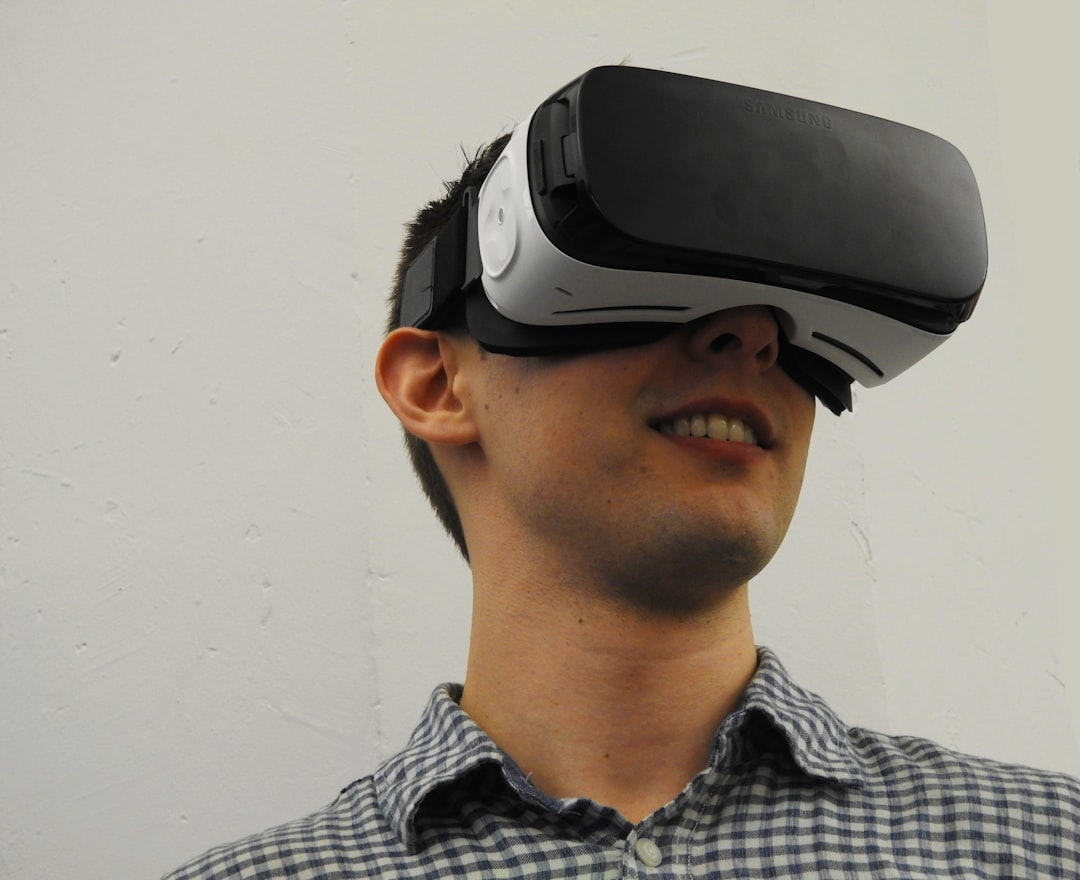
Virtual Reality (VR) has taken the world by storm, offering players incredibly immersive and interactive experiences. As the hardware becomes more accessible and user expectations continue to grow, more developers are exploring this exciting realm. But creating VR games comes with its own set of challenges and design philosophies. Whether you’re a seasoned developer or a curious beginner, understanding how to craft a VR experience is essential to success in this evolving industry.
TL;DR: A Quick Summary
Creating VR games requires mastery of both traditional game development practices and unique VR-specific design concepts. It’s important to focus on user comfort, intuitive controls, and spatial interactions. Choosing the right engine, hardware, and development tools sets the foundation for success. Testing and feedback are critical to building satisfying, immersive experiences.
Understanding the VR Landscape
Before jumping into development, it’s crucial to understand the current state of VR. There are several major platforms available, including:
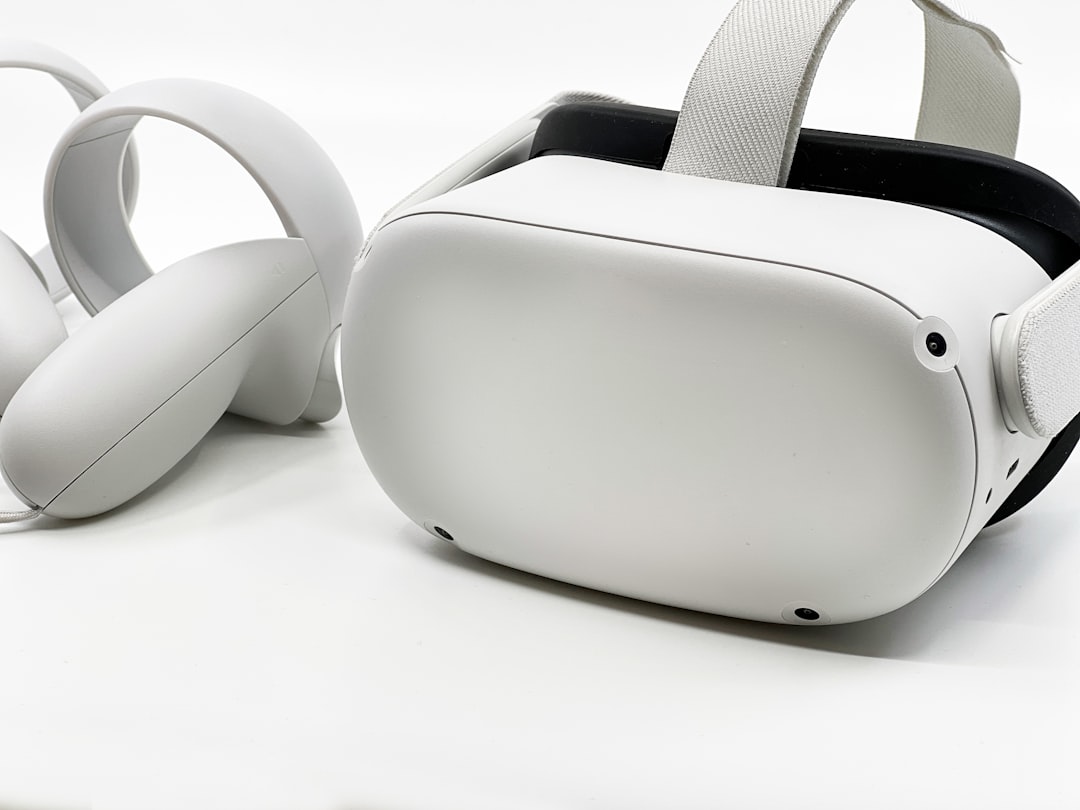
- Meta Quest – Popular for its wireless freedom and affordability.
- SteamVR (HTC Vive, Valve Index) – Known for high-end setups and flexibility.
- PlayStation VR – Seamlessly integrates with the PlayStation ecosystem.
Each platform has its strengths and limitations, so selecting your target hardware is a critical early step. Make sure to consider performance capabilities, input methods, and developer support.
Choosing the Right Game Engine
The two most widely used engines for VR game development are:
- Unity – Offers a user-friendly interface, excellent community support, and extensive VR libraries such as the XR Toolkit.
- Unreal Engine – Favored for high-fidelity graphics and robust VR framework, especially in AAA game development.
Both engines support a range of VR devices and come with built-in packages to handle movement, interactions, and spatial audio.
Make sure to install the latest official SDKs for your chosen VR platform to ensure compatibility and optimal performance.
Designing for VR: Best Practices
VR game design isn’t just 3D game design in a headset—it requires thoughtful consideration of presence, comfort, and user interaction. Below are a few design principles that can make or break your experience:
1. Comfort Comes First
Motion sickness is a major concern in VR. Here’s how to reduce player discomfort:
- Use teleportation or dash movement instead of smooth locomotion, especially for new players.
- Keep the frame rate consistently high (90+ FPS is ideal).
- Avoid sudden camera shifts or forced perspectives.
2. Keep Controls Natural and Intuitive
VR controllers mimic real-world interactions, so take advantage of them.
- Design gestures and input systems that feel realistic.
- Use haptic feedback for tactile immersion.
- Provide in-game tutorials and test user comfort continuously.
3. Leverage Spatial Audio
Sound is a powerful tool in VR. Use 3D audio to enhance immersion, cue player actions, and enrich the environment.
4. Environment Scale and Details
Everything in VR should feel the correct size and distance. Avoid oversized or undersized assets as they can confuse or disorient players.
Building Your First Prototype
Once you’ve chosen your platform and engine, it’s time to build. Here’s a step-by-step structure to get started:
- Create a Project: Set up appropriate SDKs and libraries within your engine.
- Establish Core Mechanics: Define what your VR game will do—combat, exploration, puzzles, etc.
- Develop a Prototype Level: Test movement systems and user inputs in a small, contained environment.
- Iterate Based on Feedback: Continuous playtesting is essential at every stage.
Don’t Overcomplicate the First Iteration
Focus on one or two core mechanics first. Master them before scaling your game. VR games require polish and finesse, and it’s easy to get overwhelmed trying to implement too much too fast.
User Interface in VR: Rethinking Traditional Elements
Menus, HUDs, and prompts need to be re-imagined for VR. Conventional UI placements often do not work well. Use these tips:
- Diegetic Interfaces: Incorporate UI elements into the world (e.g., wrist menus, control panels).
- Gaze and Hand Tracking: Enable touchless interaction using eye movement or hand tracking where possible.
- Floating Menus: If needed, keep menu elements at a comfortable distance in the player’s field of view.
Ease of access and minimal visual clutter are key to an enjoyable VR interface.
Interactive Objects and Physics
One of the most exciting aspects of VR is allowing players to interact physically with objects. Whether it’s picking up props, flipping switches or throwing items, interactivity boosts immersion.

- Add realistic physics-based feedback for objects.
- Use audio cues to aid object recognition.
- Keep object interactions consistent to avoid confusion.
Remember to optimize physics behaviors for performance—overuse of real-time physics can hinder frame rates dramatically.
Testing and Iteration
VR is heavily experience-based—you won’t know what works until someone else tries it. Make playtesting part of your development cycle by:
- Setting up user sessions early and often.
- Utilizing analytics tools to track user focus, interaction hotspots, and drop-off points.
- Gathering direct feedback on control comfort, immersion, and clarity.
VR projects succeed through community input and iterative design.
Performance Optimization
VR demands high and stable frame rates. Some best practices include:
- Use Level of Detail (LOD) models to optimize 3D assets.
- Bake lighting instead of relying on real-time rendering when possible.
- Minimize unnecessary physics calculations and complex shaders.
- Test on actual hardware frequently to avoid late-stage surprises.
Publishing and Distribution
Finally, when you’re ready to launch, you’ll need to consider where and how to release your VR game.
- Meta Quest Store or App Lab: Submit your app for Oculus’s review process.
- SteamVR: Use Steamworks tools to publish on one of the most accessible VR storefronts.
- SideQuest: Offers easier entry for indie developers but with less visibility.
Each platform has its submission rules, quality requirements, and community expectations. Prepare accordingly and provide thorough documentation, media assets, and gameplay descriptions.
Conclusion
Creating VR games is one of the most rewarding challenges in modern game development. With a strong focus on player comfort, spatial design, interaction, and optimization, developers can build unforgettable, immersive worlds. Start small, test often, and embrace the unique creative opportunities that VR has to offer. Whether you’re building for Oculus, SteamVR, or PlayStation, the future of virtual reality gaming is yours to shape.