
Table of Contents
Handheld gaming is having a serious comeback. Two major players are leading the charge: the ROG Ally and the Steam Deck. Both are powerful, portable gaming machines that bring PC games to your hands. But which one is worth your money?
TLDR:
If you want a more powerful machine with a sharper screen, go with the ROG Ally. If you want a more budget-friendly option with better software integration and community support, pick the Steam Deck. Both are good, but they suit different needs. Keep reading to find out which one fits you best!
Hardware Showdown
Let’s talk about what’s under the hood. In the world of portable gaming, power matters. Here’s how they stack up:
- ROG Ally: Comes with a super-fast AMD Z1 Extreme chip and 16GB RAM
- Steam Deck: Uses a custom AMD APU optimized for gaming with the same 16GB RAM
The ROG Ally pulls ahead with a better screen too. It has a 1080p resolution and runs at 120Hz, which means smoother gameplay. The Steam Deck’s 800p resolution at 60Hz looks good but doesn’t match Ally’s high-def feel.
Image not found in postmetaBuild-wise, both feel solid. The Ally is a bit lighter and more slick. The Steam Deck is chunkier, but that’s because of those big, comfy grips. Choose what feels better in your hands!
Game Library and Compatibility
Let’s get to the fun part — the games.
The Steam Deck runs on SteamOS and is built to run games from your Steam library. That’s great news for anyone who already owns games on Steam. It uses something called Proton to run Windows games, and it actually works really well in most cases.
But here’s the twist — the ROG Ally runs Windows 11. That means you can install everything: Steam, Epic Games, Xbox Game Pass, and more. You’re not just tied to one platform.
More choices means more games, right? Well, kind of. Windows also brings complexity. You may run into errors, driver issues, or long boot times. Meanwhile, the Deck’s software is simpler and made just for gaming.
Battery Life
Here’s where you might frown a little. Neither device is a battery champ. But one is worse than the other.
- Steam Deck: 2 to 8 hours, depending on the game.
- ROG Ally: 1.5 to 6 hours, depending on settings and usage.
The Deck often lasts longer because it’s less demanding. If you want a reliable travel buddy without keeping the charger nearby, the Steam Deck is more forgiving.
Controls and Comfort
Both devices have good controls, but they feel different.
The Steam Deck includes trackpads, which can mimic a mouse. That’s super handy for certain games like RTS or sim titles. The triggers and thumbsticks feel premium and responsive.
The ROG Ally, on the other hand, plays more like a premium Xbox controller. It feels polished but lacks trackpads. Whether that’s good or bad depends on the types of games you play.
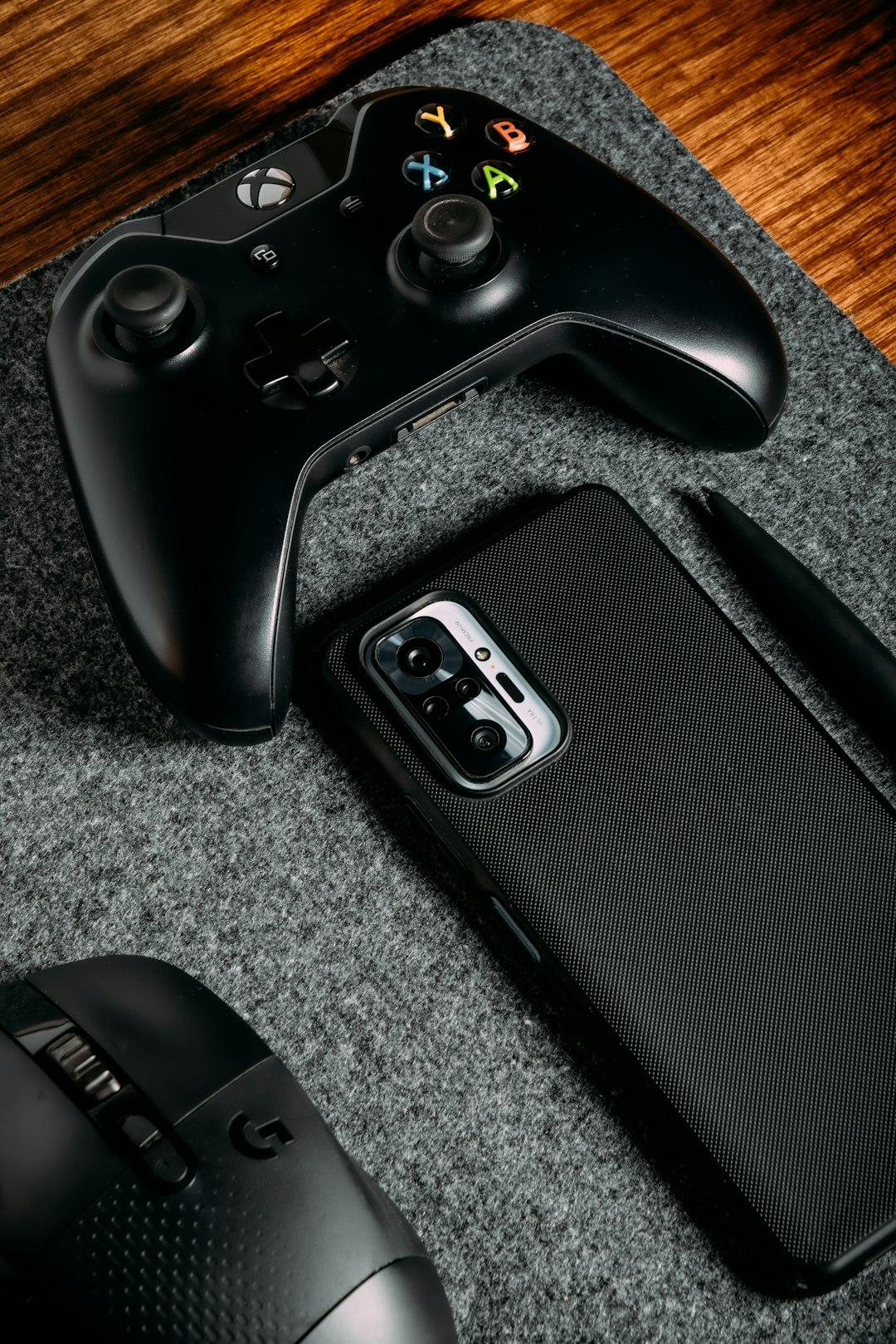
If you’re into shooters, racers, or action games, the Ally feels great. If you want more precise mouse-like control for strategy games? The Deck owns that.
Storage and Expandability
Both systems come with internal SSDs and offer options for extra storage.
- Steam Deck: Comes in sizes ranging from 64GB to 512GB. You also get a microSD card slot for easy expansion.
- ROG Ally: Starts with 512GB NVMe SSD and also has a microSD slot.
No clear winner here. Both give plenty of flexibility. Just be ready to clear space or get a bigger card because modern games are huge!
Software and User Experience
This is where things get interesting. Remember, the Ally runs Windows. That means freedom — and complexity. You’ll have to deal with Windows updates and possibly bugs or pop-ups.
The Deck runs a custom Linux system designed for gaming. The interface is clean, fast, and simple. You’ll boot into your game library, ready to play. No fuss.
If you’re a tech wizard, the Ally gives you more room to tweak and customize. If you want to turn it on and game, the Steam Deck wins.
Community and Support
One of the best things about the Steam Deck? The community is huge. Tons of people are modding it, trying cool projects, and helping each other online. Valve also provides regular updates and listens to feedback.
The Ally is newer and doesn’t have quite the same community reach. ASUS has been updating it, but not as frequently. You may find less help online when you hit an issue.
Price Battle
Now let’s talk dollars.
- Steam Deck: Starts at around $399 for the 64GB version. The top-end 512GB version costs more.
- ROG Ally: Costs around $699 for the Z1 Extreme model.
The Steam Deck is a great value for what it offers. If you’re on a tighter budget, it wins. The Ally is more powerful, sure — but it’s also significantly more expensive. Decide what matters more: performance or price.
Which Should You Buy?
Still confused? Let’s break it down even simpler:
Buy the Steam Deck if you:
- Want better battery life
- Play mostly Steam games
- Prefer a cheaper price
- Like simple, console-style UI
Buy the ROG Ally if you:
- Want more power and better visuals
- Use Xbox Game Pass, Epic, or other launchers
- Don’t mind using Windows
- Are okay spending more for better specs
Final Thoughts
Both the Steam Deck and ROG Ally are amazing for gaming on the go. But they serve different types of gamers.
The Steam Deck is great for people who want plug-and-play fun without headaches. It’s comfy, affordable, and built with gamers in mind.
The ROG Ally is a power-user’s dream. It gives you access to every store, better graphics, and more freedom. But that comes at a cost — both in dollars and in simplicity.
So, what will it be? Sleek and powerful? Or affordable and friendly? The choice is yours. Happy gaming!