
Table of Contents
Motion graphics have transformed the way creators tell stories online. Whether you’re designing Instagram Reels, YouTube intros, advertisements, or business presentations, dynamic visuals can instantly elevate your content from static and forgettable to bold and engaging. The good news? You don’t need advanced animation software or years of experience. With Canva’s intuitive tools and constantly expanding feature set, anyone can create scroll-stopping videos.
TLDR: Canva offers powerful yet beginner-friendly motion graphics tools that can dramatically enhance your videos. By mastering animation timing, layered transitions, kinetic typography, and animated elements, you can create professional-looking content without complex software. These four techniques add energy, clarity, and storytelling power to your visuals. Best of all, they’re accessible to beginners and scalable for advanced creators.
In this article, we’ll explore the top four Canva motion graphics techniques that will help your videos pop — and show you how to use them strategically rather than randomly.
1. Mastering Layered Animations for Depth and Flow
One of the simplest yet most impactful techniques in Canva motion graphics is layered animation. Instead of animating your entire slide at once, you animate elements individually. This creates depth, flow, and intentional pacing.
When everything moves at the same time, the viewer’s brain has too much to process. Layered animation solves this by guiding the eye strategically.
How to Use Layered Animations Effectively
- Animate backgrounds subtly (e.g., fade or pan).
- Add delayed entrance animations to headlines.
- Introduce icons or supporting text last to reinforce key points.
- Adjust animation duration and delay timing in the toolbar for precise sequencing.
Best Canva Animations for Layering
- Fade for subtle introductions
- Rise for energetic motion
- Pan for cinematic movement
- Pop for attention-grabbing effects
Pro Tip: Combine a slow background pan with faster foreground text animations to create a parallax-like effect. This gives your design a premium, dimensional feel without advanced editing tools.
Layered motion is especially powerful in:
- Product showcases
- Educational explainer videos
- Social media ads
- Presentation slides
2. Kinetic Typography That Commands Attention
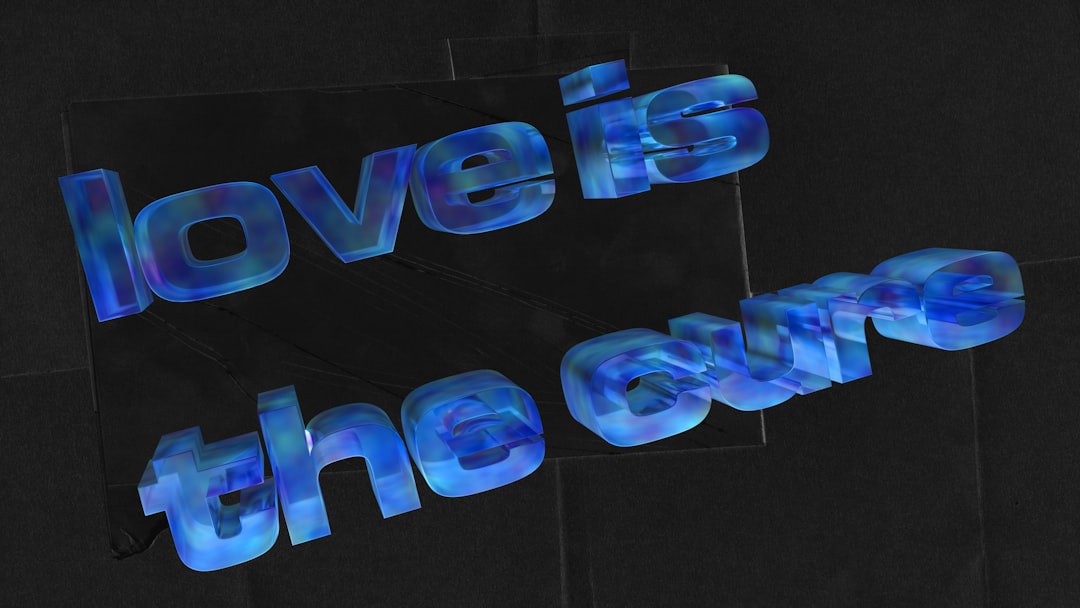
If your video includes messaging — and most do — kinetic typography can completely transform its impact. Kinetic typography refers to animated text that moves in rhythm with your message. Instead of simply appearing on screen, your words become part of the storytelling experience.
Social platforms reward bold, readable, and dynamic text because many users watch videos without sound. Motion text ensures your message lands even when muted.
How to Create Kinetic Typography in Canva
- Add your headline using a bold, readable font.
- Break long sentences into smaller chunks.
- Animate each chunk separately.
- Adjust timing so text appears in sequence.
Typography Animation Ideas
- Word-by-word entrance: Dramatic and focused.
- Alternating directions: Text slides in from left and right.
- Scale emphasis: Make key words larger with pop animation.
- Rhythmic fades: Match text timing to background music beats.
Common Mistake to Avoid: Overusing flashy effects. Stick to one or two animation styles per video to maintain professionalism.
Kinetic typography works exceptionally well for:
- Motivational quotes
- Product launches
- Tutorial videos
- Brand storytelling content
When done well, moving text doesn’t just inform — it amplifies emotion.
3. Seamless Transitions That Keep Viewers Watching
A major difference between amateur and professional-looking videos lies in transitions. Abrupt cuts can feel jarring, while thoughtful transitions create a smooth and immersive experience.
Canva offers a variety of page transitions that can be applied between slides. But the real magic happens when you combine transitions with animation logic.
Popular Canva Transitions
- Fade: Clean and versatile
- Slide: Directional and dynamic
- Circle wipe: Bold and stylish
- Match and Move: Professional-grade movement effect
Using Match and Move for Advanced Motion
Match and Move is one of Canva’s most powerful features. It detects similar elements between slides and animates their position changes automatically. This creates the illusion of continuous motion.
For example:
- Move a product image slightly to the side between slides.
- Resize text slightly for emphasis.
- Shift background elements subtly.
The result? A fluid, high-production look.
Strategic Tip: Use directional consistency. If your first slide transitions left-to-right, maintain that direction throughout the sequence to avoid visual confusion.
Seamless transitions improve:
- Viewer retention
- Story coherence
- Perceived video quality
4. Animated Graphics and Elements for Visual Energy
Static icons are useful — but animated elements bring designs to life. Canva’s library includes thousands of animated stickers, illustrations, charts, and decorative graphics that inject personality into your videos.
The key is balance. Animated graphics should complement your message, not distract from it.
Types of Animated Elements in Canva
- Animated arrows
- Decorative sparkles
- Moving abstract backgrounds
- Animated charts and data visualizations
- Social media call-to-action icons
Best Practices for Using Animated Elements
- Use motion to direct attention (e.g., arrows pointing to buttons).
- Keep brand colors consistent.
- Limit simultaneous animations to avoid clutter.
- Use looping animations subtly.
Animated infographics are particularly powerful for educational and business-related videos. Even basic bar charts can feel dynamic when animated thoughtfully.
When used strategically, animated elements:
- Increase engagement
- Enhance clarity
- Add personality to branding
- Make content more shareable
Comparison Chart: Choosing the Right Motion Technique
| Technique | Best For | Skill Level | Impact Level | Common Mistake |
|---|---|---|---|---|
| Layered Animations | Explainers, Ads, Presentations | Beginner to Intermediate | High | Animating all elements at once |
| Kinetic Typography | Social Media, Quotes, Tutorials | Beginner | Very High | Overusing flashy effects |
| Seamless Transitions | Storytelling, Product Showcases | Intermediate | High | Inconsistent direction changes |
| Animated Elements | Infographics, Promotions | Beginner | Moderate to High | Visual clutter |
Bringing It All Together
The real magic occurs when you combine these techniques thoughtfully.
Imagine this flow:
- A slow background pan begins.
- Headline text appears word-by-word.
- An animated arrow directs attention to a product.
- The slide transitions seamlessly using Match and Move.
That’s not just animation. That’s storytelling.
The most effective Canva motion graphics share three qualities:
- Purpose: Every movement has a reason.
- Pacing: Motion supports the message.
- Consistency: Styles remain cohesive.
You don’t need dozens of effects. You need the right ones — used intentionally.
Final Thoughts
Motion graphics are no longer optional in today’s fast-moving digital landscape. Static content struggles to hold attention, especially on social platforms where users scroll rapidly. By mastering layered animations, kinetic typography, seamless transitions, and animated elements, you can dramatically elevate your video content using Canva alone.
The beauty of Canva lies in its accessibility. You can experiment quickly, preview instantly, and refine without technical overwhelm. Start simple. Animate one headline. Add one subtle transition. Introduce one animated icon. As your confidence grows, layer techniques together for richer results.
In the end, great motion design isn’t about flashy effects — it’s about guiding attention, enhancing clarity, and telling better stories.
And now that you know the top techniques, your next video doesn’t just have to look good.
It can truly pop.